

Limitations
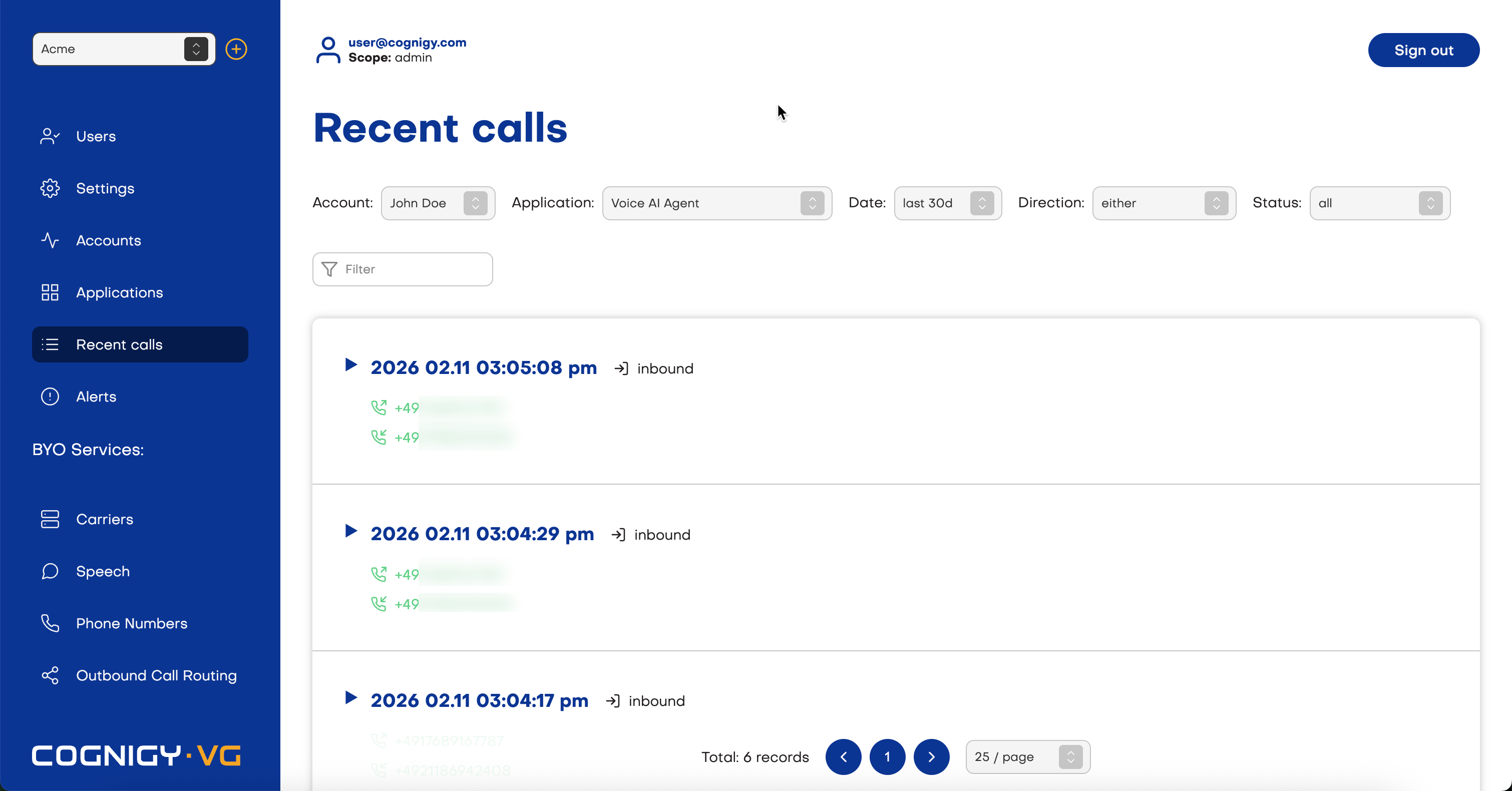
- The Time-To-Live (TTL) for PCAP files is 14 days.
Call Details
To view detailed information about the call, click the Details tab.PCAP Fields
Download PCAP Files
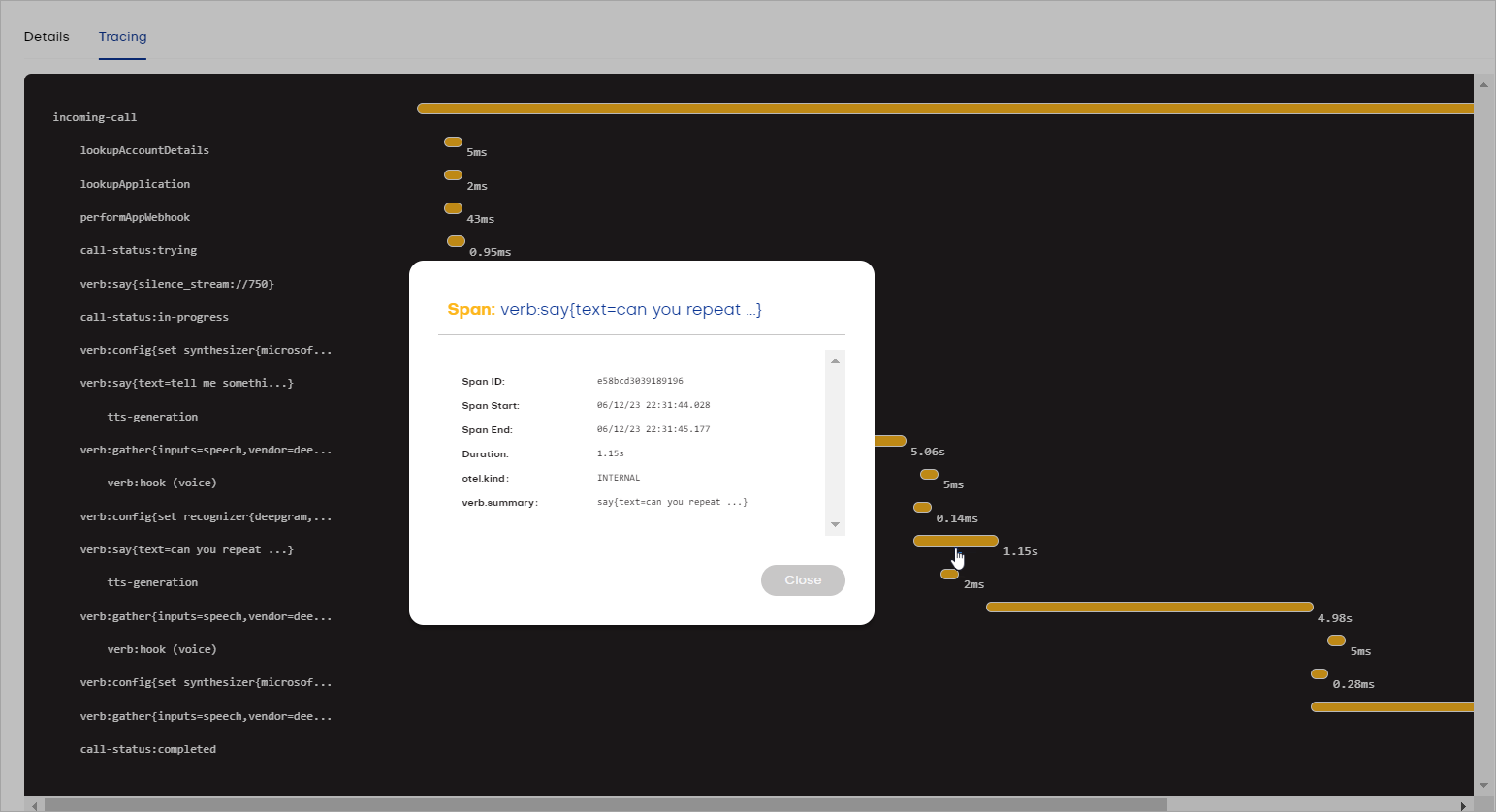
Additionally, Voice Gateway provides PCAP files, which can be downloaded in the detailed information overview.Call Tracing
This feature is in beta. The data displayed on the Tracing tab does not have persistent storage and may be lost at any time.
Call Recordings
Record your calls while setting up your voice agents for debugging purposes. This approach lets you troubleshoot your calls, identify where latencies are coming from, and listen to your voice agent’s outputs to ensure they are working seamlessly. To enable call recording, use the Account or Application settings. When call recording is enabled, you can use the embedded media player to listen to recordings of calls. Note that the recording will consist of only the caller track and the agent track. The dub track for Atmosphere Sounds will not be included in the recording. With the included media player controls, scan the audio and download the recording locally.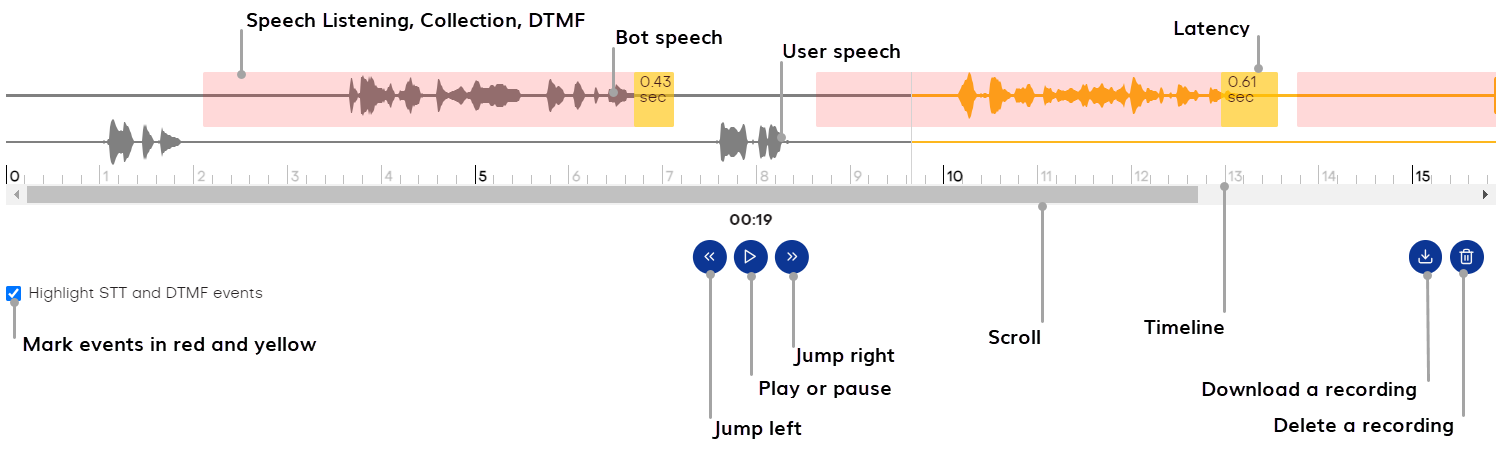
- Vendor — the STT provider used. For example,
deepgram. - Confidence — the confidence score associated with the transcription result. For example,
0.9760742. - Language Code — the language code for the transcript. For example,
en-US (American English). - Transcript — the actual text generated from the speech. For example,
Today is Wednesday evening, ten-thirty PM. - Latency — the time delay in processing the speech and providing the transcription result. Voice Gateway is waiting for a response from the transcript server.
 . Note that this action will delete your file both from Voice Gateway and remote storage, for example, Amazon S3.
To download a call recording, click
. Note that this action will delete your file both from Voice Gateway and remote storage, for example, Amazon S3.
To download a call recording, click  .
.