

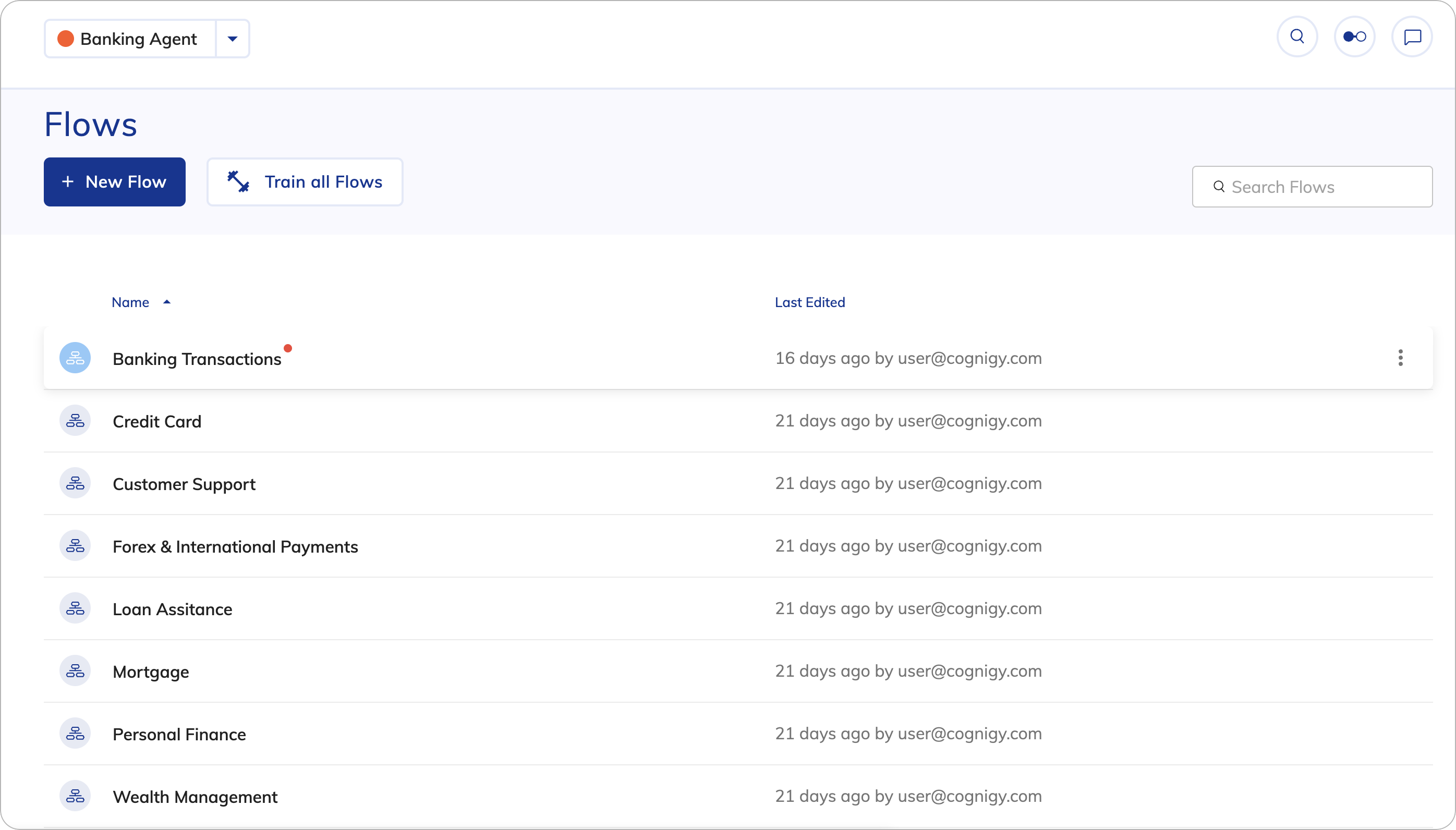
Controls
Controls
| UI Element | Type | Description |
|---|---|---|
 | Button | You can create resources by clicking + in the upper-left corner. |
 | Field | You can search for resources by name. |
 | Menu | With the right-side menu, you can perform other actions, for example, edit, delete, export as a Package, clone, copy Reference ID, as well as other resource-specific options. This menu is available for each resource. |
Notifications
Notifications
| Notification Type | Description | Example |
|---|---|---|
| Success message | Displays when a Task is completed successfully. | 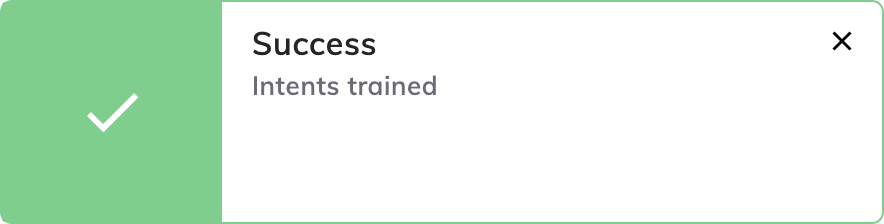 |
| Warning message | Display when a Task is completed with a warning. Click  to view the warning message. to view the warning message. | 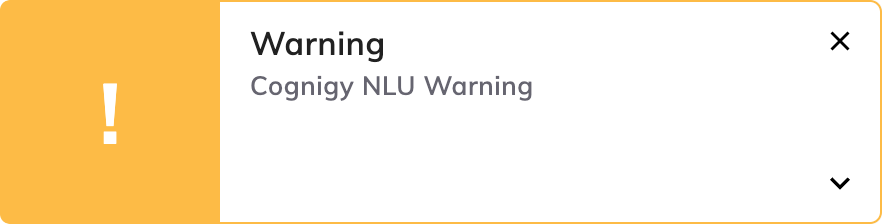 |
| Error message | Displays when a Task fails. Click to view the error message. | 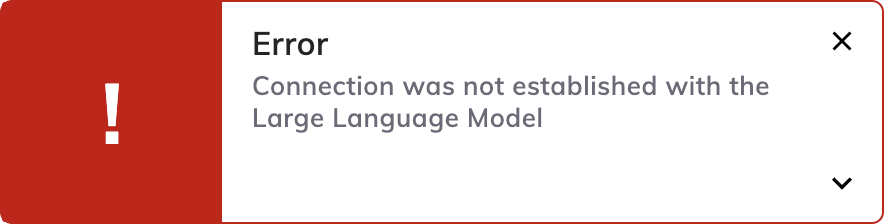 |